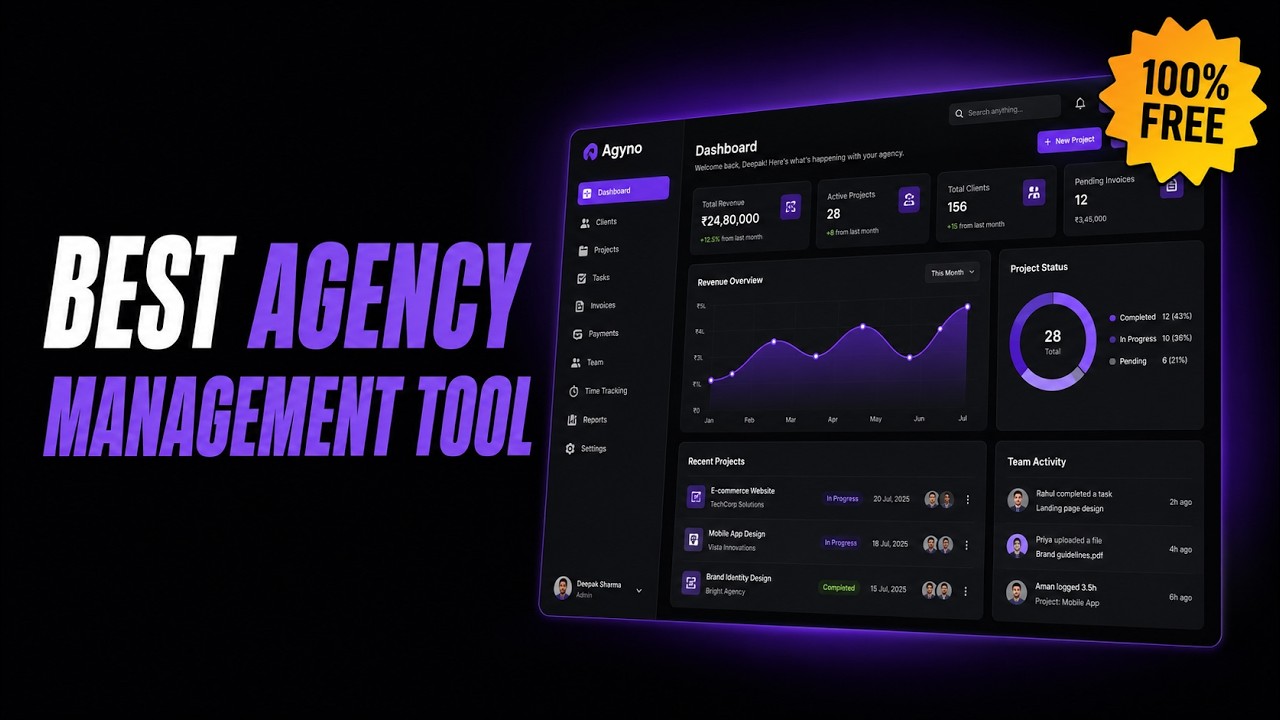
Agyno is the one dashboard for clients, projects, team, and billing — built by an agency owner who was tired of losing track of who owed what, how much he had to pay his team, and juggling every project by himself.
Free during early access · no credit card · one Google sign-in, no new password
Client updates buried three days deep in a thread you can't search.
Project status living in a sheet nobody but you ever opens.
The same project brief typed out again for WhatsApp, again for Discord, again for email.
No real answer to "how is the agency actually doing right now" — who owes you, who you owe.
Contact info, platform, notes, and total received.
Editors, writers, designers — role and what they're owed.
Type, deadline, assignee, status, links, notes.
Getting Paid, Paid Out, and net margin — automatic.
Every deadline across the agency, one view.
Every project and payment feeds a running picture of your agency's health — not just what's happening this week, but whether you're doing better than last month.
Create a project, assign it to someone on your team, and send the full brief — name, type, rate, deadline, notes, links — to wherever they actually work.
Opens a pre-filled message with the complete brief, ready to send.
Copies a fully formatted brief to your clipboard — paste and go.
Opens a pre-filled email, subject line and brief already written.
Agyno prepares the message — you still hit send. No silent auto-messaging, ever.
"Every feature in Agyno exists because I needed it while I was actually running client work — not because it sounded good on a roadmap."
— Dipak, founder of Media Magician Agency
Dipak has been freelancing since 2018 — from Senior Editor at Vazeer Art to founding Media Magician Agency, a video production agency offering editing, scriptwriting, thumbnail design, and channel management, while running his own YouTube channels on the side. Agyno wasn't designed for a hypothetical agency. It was built to fix the exact chaos of running this one.
✉ Contact DipakPricing may evolve as Agyno grows — early users get advance notice before anything changes.
Sign in with Google, name your agency, pick a currency — you're working inside a minute.
This name appears inside Agency Hub.
This affects how amounts are displayed. You can change anytime in Settings.
New here? This 3-minute walkthrough shows you how to add clients, create projects, and manage billing.